AppsExplanation
Dusrel Mail preview
An honest preview of Dusrel Mail in Phase 1: what the demo shows, and what is not built yet.
Updated: 2 November 2026हिंदी में पढ़ें
On this page
Please read this first: Dusrel Mail is in a Phase 1 preview. It is a demo, not a working email service. There is no real send or receive, there are no real accounts yet, and everything shown in the mailbox is demo data. Do not send real confidential mail through the demo. Pricing is not decided, and there is nothing to buy.
The preview lives at mail.dusrel.com. Its landing tagline is “Private email, without the noise”.
What the preview is
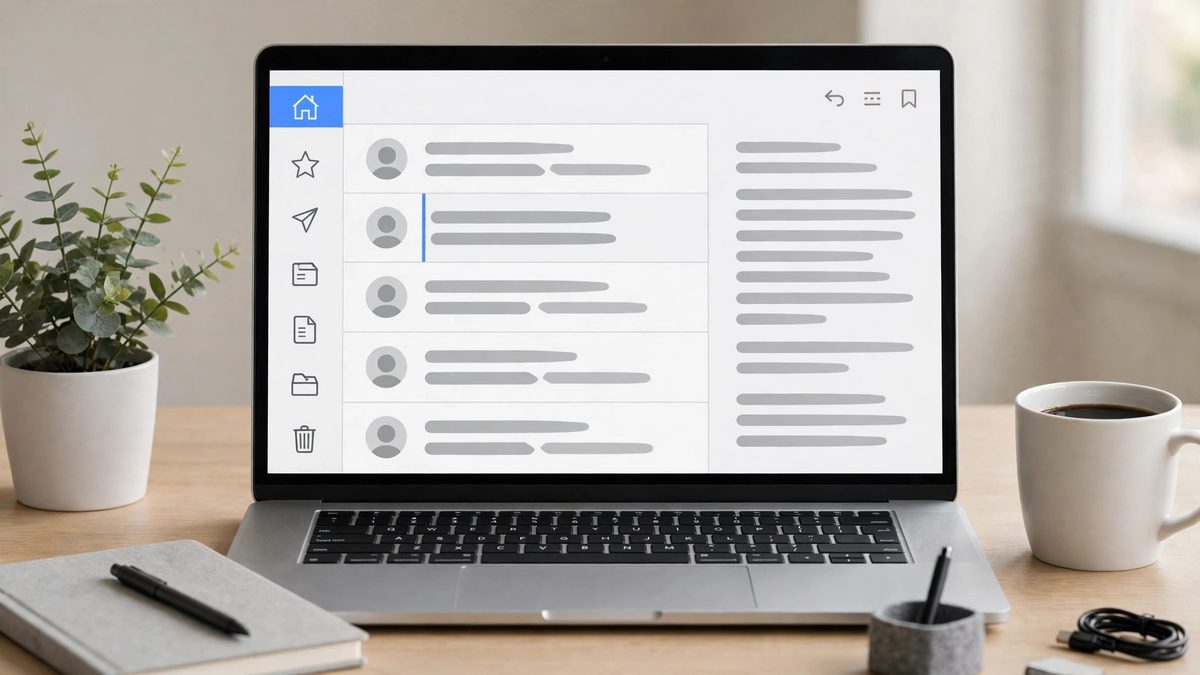
Dusrel Mail is planned as the first Dusrel web app: a webmail client that runs in the browser on desktop and mobile, with no install step. The Phase 1 build is a frontend-only demo of that interface. It shows what the mailbox is designed to look and feel like, using sample messages, while the real backend is not connected yet.
What you can see in the demo:
- A landing page describing the planned product, with sections on privacy, simplicity, devices, security and a FAQ.
- A demo login and a demo inbox, so you can look around without an account.
- The standard mailbox layout: a folder sidebar, a message list and a reading view.
- Folders named Inbox, Drafts, Junk, Sent, Trash and Archive.
- A compose panel with recipient, Cc/Bcc, subject and body fields, plus encryption options shown in the interface.
- Search, settings and a Privacy Center panel, all filled with demo content.
Every message, folder count and setting in this demo is sample data. Actions such as marking a message read or opening compose only change the demo view. Nothing leaves your browser as real mail.
What the design plans, but Phase 1 does not do yet
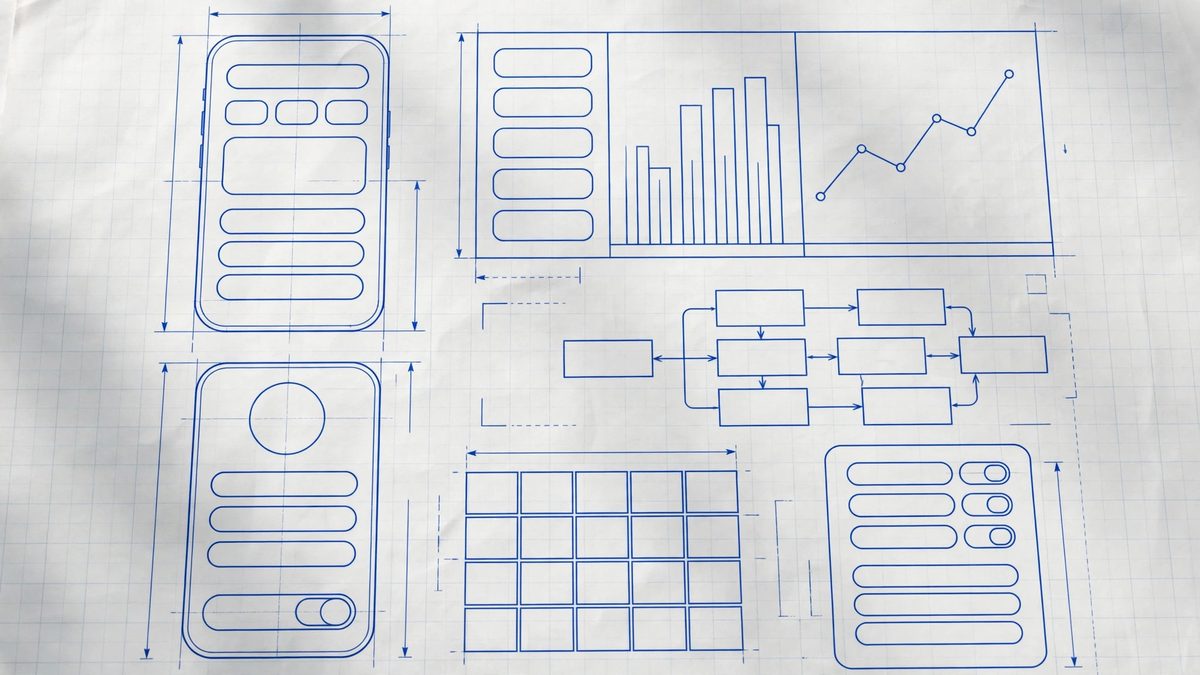
The landing presents several features as part of the design. These are goals, not working features in the preview:
- End-to-end encryption — the design intends that only you and your recipient can read an encrypted message, with decryption happening on your device. In Phase 1 it is not connected to a real backend.
- Password-protected mail — the design intends sending confidential mail to anyone, even people who do not use Dusrel Mail. Not working in the preview.
- Aliases — the design intends hiding your real address behind addresses you can add, manage and delete. Alias management is not in the Phase 1 build.
- Seed-phrase recovery — the design intends a seed phrase that restores your account. Not connected to a real backend in Phase 1.
- Account Centre — password, two-factor authentication and sessions are planned to live in a separate account centre. Sign-up is invite-gated in Phase 1, and public sign-up is not open.
What is definitely not here yet
- Real accounts and real login. The demo login is not an account.
- Real sending, receiving or delivery of mail. There is no mail backend (no JMAP server) connected.
- Real encryption or decryption of messages.
- Real search across a real mailbox.
- App downloads. No mobile or desktop app is offered in the preview.
- A price or a plan. The FAQ states pricing is undecided.
How to think about this preview
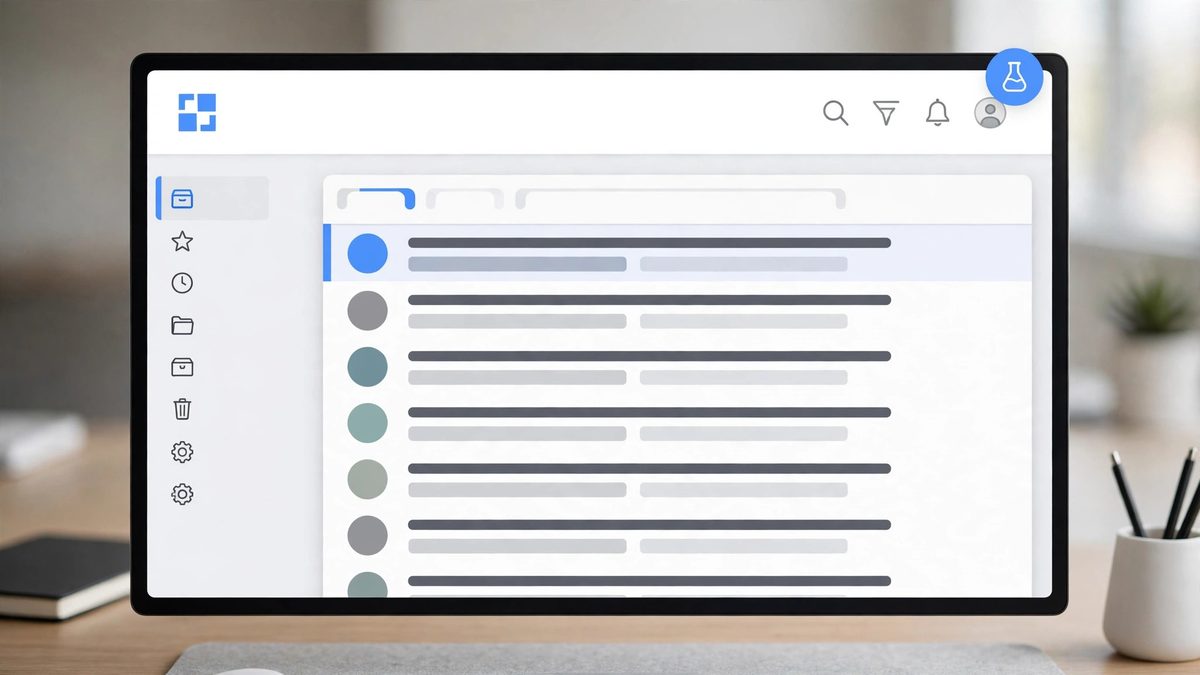
Treat it as a walkthrough of an interface, not as an inbox. It is useful for seeing the layout, the folder structure, the compose panel and the privacy settings screens, and for understanding what Dusrel Mail aims to be. It is not a place to receive mail, store messages or share anything sensitive.
Later phases are planned to connect a real backend behind the same interface, at which point this doc will be updated to describe what actually works.